
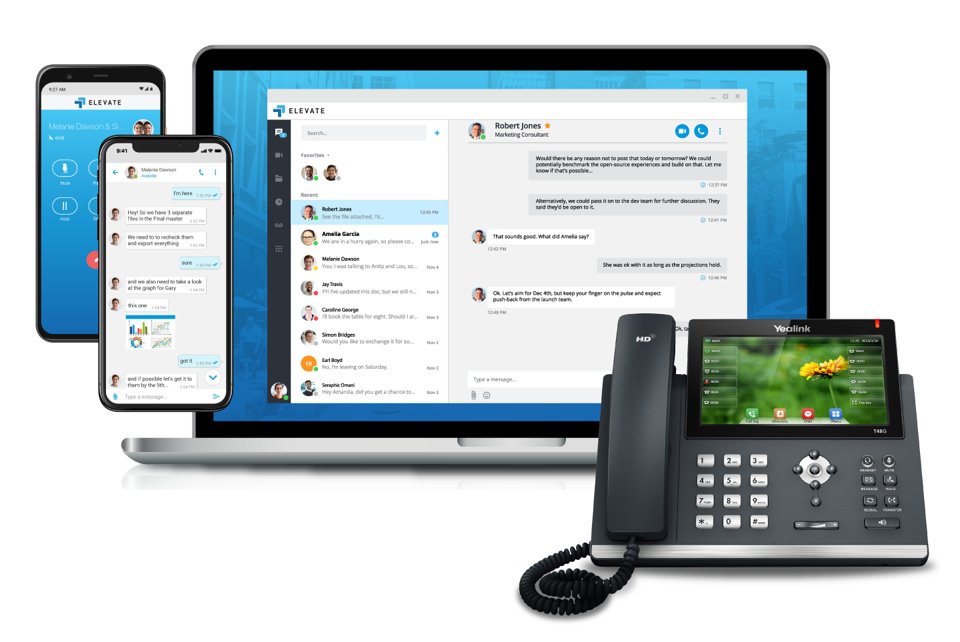
Call, message, meet, and access your files from wherever you are. Download the apps below, then check out the short training videos to get started.

Elevate Mobile
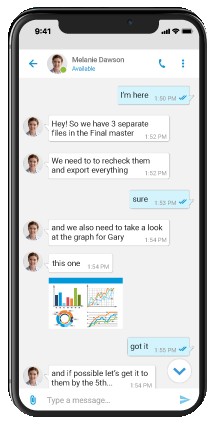
Make and take calls, chat, and check voicemail from your iPhone or Android phone.




Scan with your phone camera
Elevate Desktop
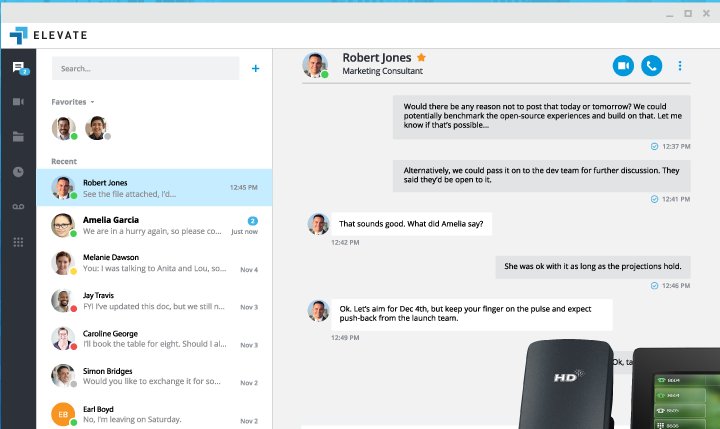
The full Elevate experience on your computer: calling, chat, video meetings, and contacts in one place.

Elevate Web App
No install needed. Sign in from your browser (Google Chrome recommended).




Online Meeting
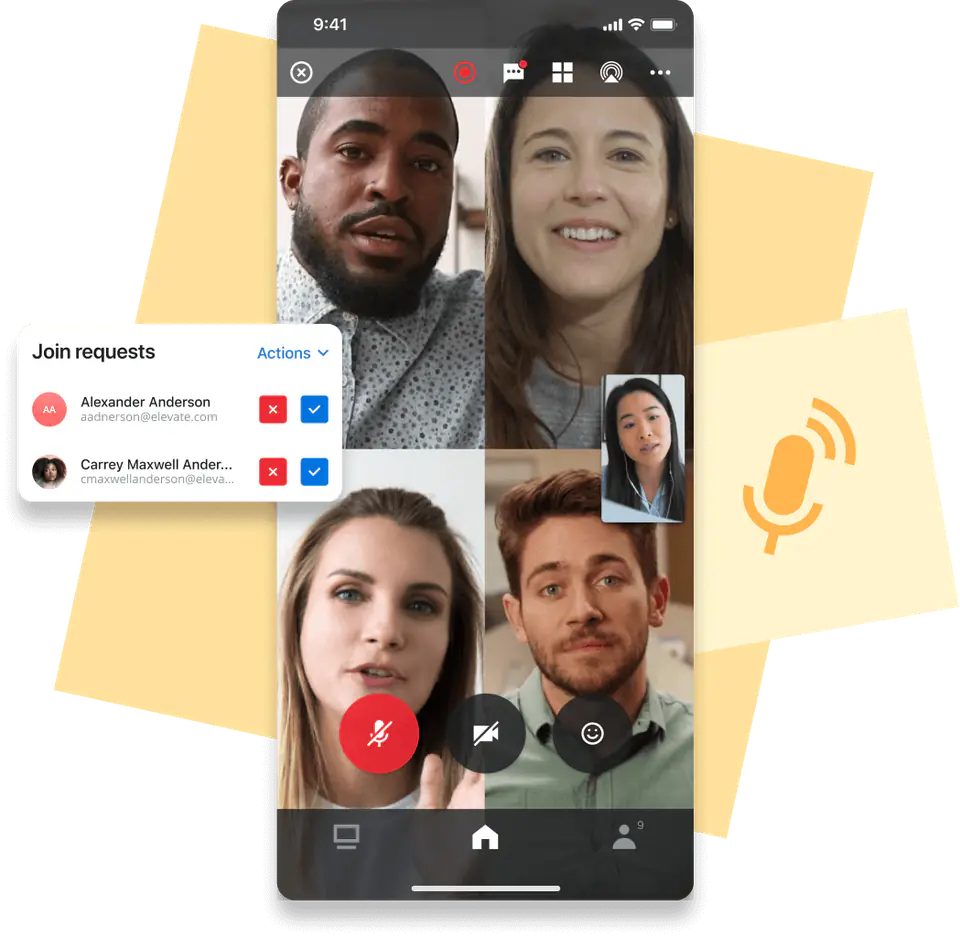
Take your meetings with you wherever you go.

ShareSync
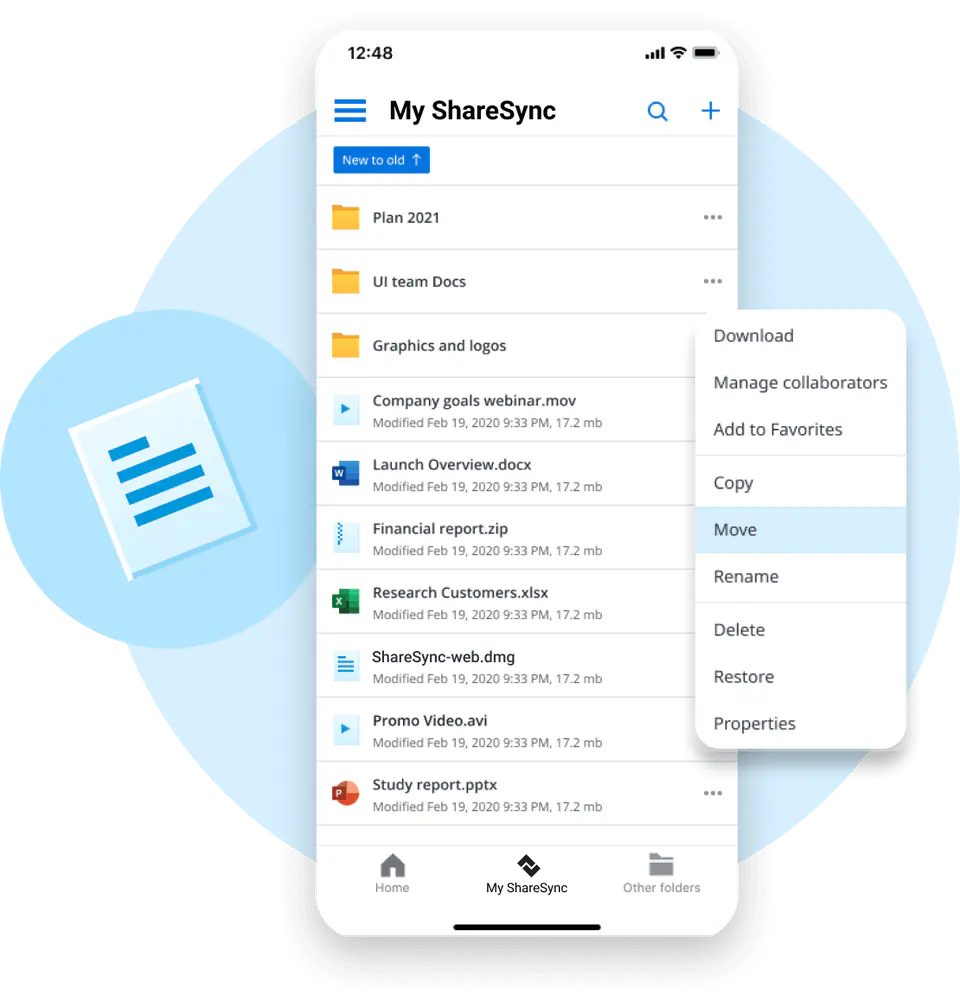
Access, sync, and share your files from anywhere.
App Store (iPhone/iPad)Google Play (Android)Download for WindowsDownload for Mac
System Requirements
Elevate Desktop for Windows: Windows 10 or later (64-bit or 32-bit). Windows Server is not supported.
Elevate Desktop for Mac: macOS Monterey (12) or later.
Elevate Web App: the latest version of Google Chrome.
Elevate Mobile for iPhone/iPad: iOS 17 or later.
Elevate Mobile for Android: see the Google Play listing for the current minimum Android version.
A USB headset is strongly recommended for calls and meetings.
Training Videos
Guides & FAQs

Need help?
The Key 2 IP support team is happy to help with installing or signing in to any of these apps.
Or call Key 2 IP Support at 1-877-807-5247, option 2.
Was this article helpful?
That’s Great!
Thank you for your feedback
Sorry! We couldn't be helpful
Thank you for your feedback
Feedback sent
We appreciate your effort and will try to fix the article